A landscaping crew's real product is a driveway, a patio, or a stretch of artificial turf that drains right and lasts a decade. But the reason one contractor books the job, shows up on schedule, and gets paid on time — while another loses the lead in a full voicemail box — is almost never the shovel work. It's the systems behind it. A paver or turf business runs on quotes that go out fast, crews that land at the right address, and invoices that follow the work without a chase. The software stack is what turns skilled hands into a business that runs.
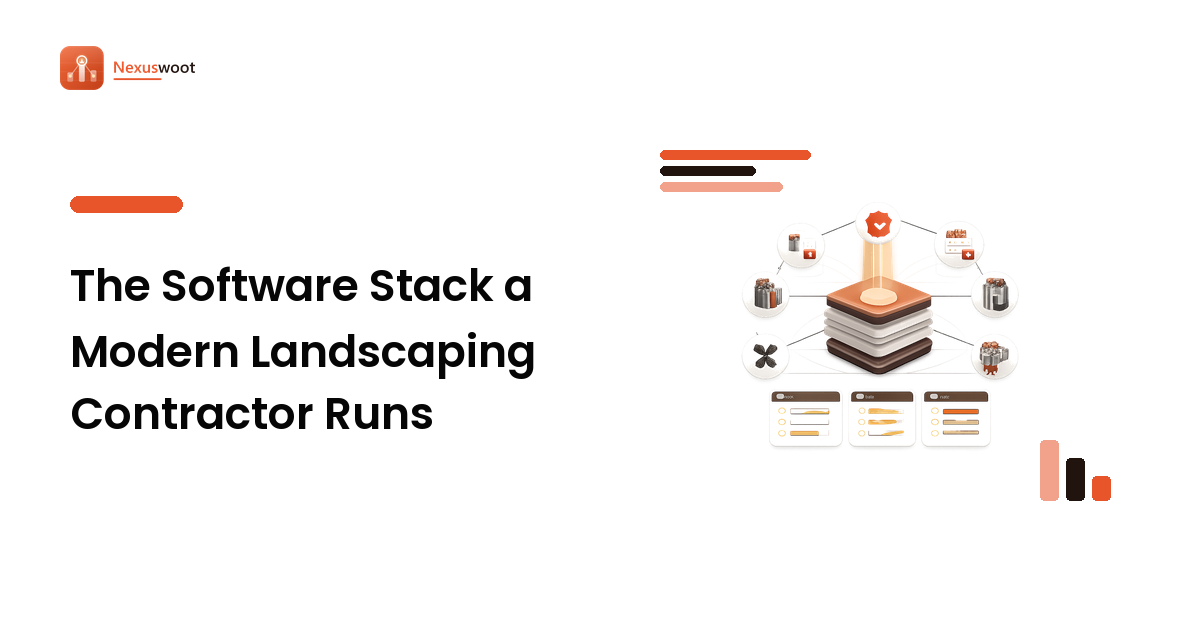
The trap for any contracting business is the one every small company falls into: buying tools one crisis at a time until you're paying for six apps that don't talk to each other. The fix is the one we apply to any software stack — map the jobs first, then pick the fewest tools that do them well and share their data cleanly. Here's what that looks like for a landscaping and hardscaping contractor.
Start with the jobs, not the apps
Before any product name enters the conversation, list the jobs the business actually needs done from first call to final payment:
- Capture and chase leads — the call, the web form, the "can you quote my backyard" text.
- Estimate and quote — turn a site visit into a priced proposal for pavers, turf, a retaining wall.
- Schedule crews and equipment — put the right people and the skid-steer at the right address.
- Run the job in the field — notes, change orders, before/after photos, material tracking.
- Invoice and collect — bill the work, take a card or a deposit, hand clean numbers to the bookkeeper.
Mark each job core or supporting. For a paver and turf outfit, estimating and scheduling are core — they directly decide whether jobs are profitable and whether promises get kept. That triage tells you where to spend on a strong specialist tool and where a simple, cheap option will do.
The core systems
1. Lead intake and CRM. The single biggest leak in a contracting business is the lead that never got called back. A CRM built for the trades — or a general small-business CRM — gives every inquiry a place to live, a follow-up reminder, and a status from "new" to "won." The point isn't fancy pipelines; it's that no estimate request falls through the cracks and you can see which marketing actually books work. If you're weighing options, our guide to choosing a CRM covers the criteria that matter for a small team.
2. Estimating and takeoff. This is where hardscaping software earns its keep. Measuring a patio or driveway from a plan or aerial image, pricing materials and labor, and producing a clean, branded proposal the same day is the difference between winning a job and losing it to whoever quoted first. Look for reusable material and labor templates, good-better-best options a homeowner can approve online, and quotes that flow straight into a work order.
3. Scheduling and dispatch. Once a job is sold, it has to be sequenced against every other job, the weather, and the crew's skills. Scheduling software shows the week on one board, assigns crews and equipment, and — critically — tells the customer when to expect you. A tool that texts an arrival window quietly removes half your inbound "are you still coming?" calls.
4. A field app. The crew lead's phone is your data-entry terminal. A field app that captures photos, logs materials, records change orders on site, and gets a signature closes the gap between what happened in the yard and what your office knows. Those before-and-after photos double as marketing and as your defense if a customer questions the work.
5. Invoicing and payments. The job isn't done until you're paid. Invoicing that fires from the completed work order, takes deposits and card payments, and syncs to your accounting tool keeps cash moving without a monthly reconciliation marathon.
Make integrations the deciding factor
The feature list tells you what each tool does alone. The business runs on what they do together. A quote that becomes a scheduled job that becomes an invoice — without anyone re-typing the customer's address three times — is worth more than any single best-in-class app stranded on its own island. Before adding a tool, check that it connects to the ones it must work with: your CRM to your estimating tool, your field app to your invoicing, your invoicing to your books. A slightly simpler tool that shares data cleanly beats a powerful one that forces a person to be the integration.
What good systems look like from the customer's side
Here's the part homeowners feel without ever seeing the software: a contractor running these systems well answers fast, quotes clearly, shows up in the promised window, documents the work, and bills without drama. That operational maturity is a fair thing to look for when hiring — a smooth process usually signals a business that will do the installation right too. In the Bay Area, a contractor like Pavers and Turf by O'Neill's — a Livermore-based paver and artificial-turf installer handling patios, walkways, driveways, and retaining walls — is a useful example of what that looks like from the outside: a defined estimate-to-install process and a documented portfolio, which is exactly the customer-facing payoff of a well-run back office. Whether you're building a contracting business or evaluating one, that end-to-end smoothness is the signal worth weighting.
FAQ
Do I need dedicated field-service software or will general business apps do? For a small crew just starting out, a general CRM, a spreadsheet estimator, and basic invoicing can carry you. Dedicated trade software earns its place once volume grows and the hand-offs between quoting, scheduling, and billing start costing you jobs and hours. Decide by the pain, not the marketing.
What's the most overlooked system for a landscaping contractor? Scheduling and customer communication. Estimating gets all the attention, but the businesses that keep their reputation are the ones that show up when they said they would and tell the customer when plans change.
How do integrations save money for a contractor? They remove the human re-keying that eats hours and introduces errors — a wrong address, a missed change order, an unbilled job. One data flow from quote to invoice means fewer mistakes and faster payment, which is real margin, not a feature.
Build the system behind the work
The skilled installation is the product, but the software stack is what lets you sell it, schedule it, and get paid for it reliably. Map your jobs, buy specialist tools for the core ones, and make integration the tie-breaker — and the office stops fighting itself. For a real-world reference point, a Bay Area operator like Pavers and Turf by O'Neill's shows how a defined, well-run process reads from the customer's side: the outward sign of a contractor whose systems, not just their crews, are in order.